
Why Your WooCommerce Store Is Slow (And How to Fix Mobile Checkout Drop-off)
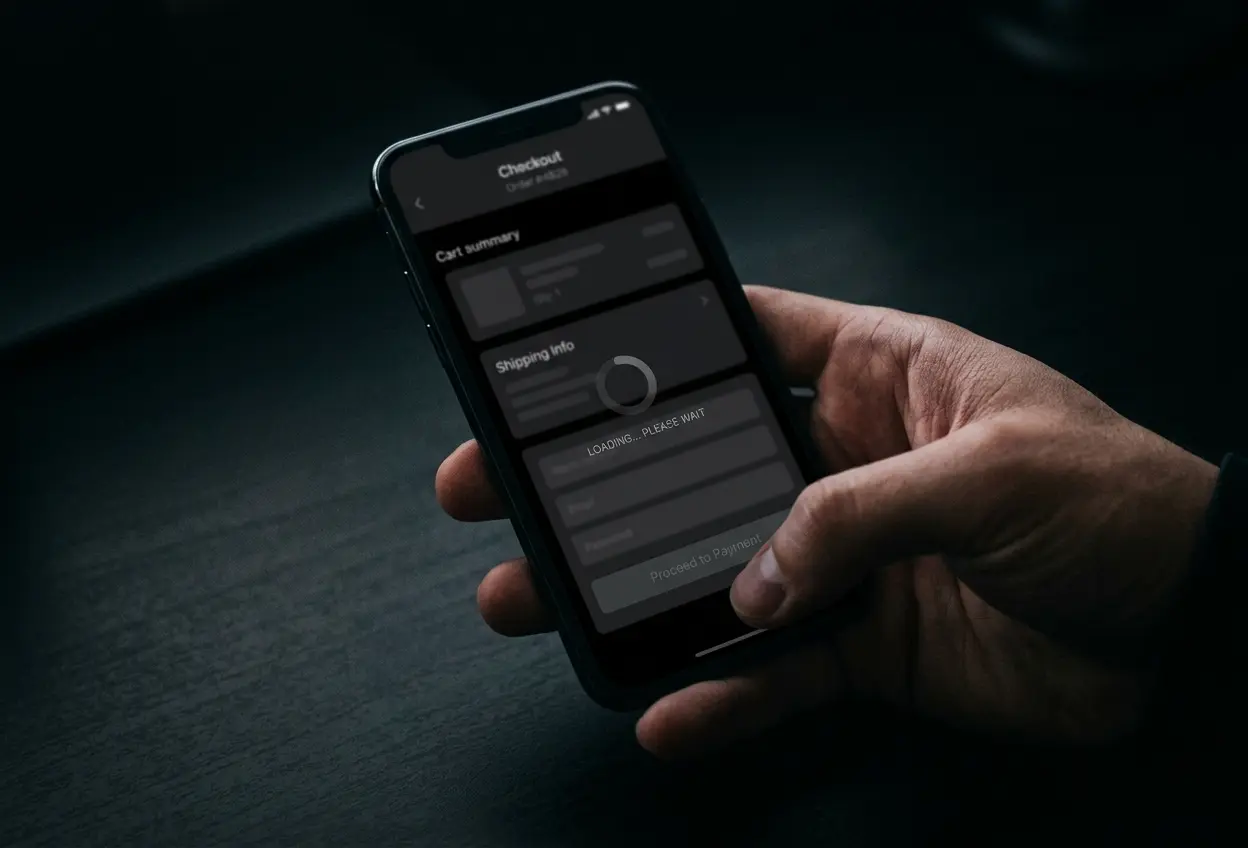
A slow WooCommerce checkout usually stems from unindexed database tables, unoptimized AJAX cart fragments, and third-party scripts blocking the main browser thread. To fix slow woocommerce checkout bottlenecks on mobile devices, you must disable unnecessary scripts on payment screens, enable High-Performance Order Storage, and eliminate form field friction.
Mobile shoppers have zero patience for lagging payment forms. If your final checkout screen takes four to six seconds to calculate shipping or process a credit card, customers simply abandon their purchases and buy elsewhere.
Why Mobile Checkouts Slow Down Under Real Traffic
Most WooCommerce stores begin fast when first installed with five dummy products. As order volumes expand and store owners install tracking pixels, marketing plugins, and complex shipping rules, performance deteriorates rapidly.
1. The Cart Fragments Problem
By default, WooCommerce runs an AJAX request called cart fragments on every page load to update the mini-cart in your navigation. On mobile networks with high latency, this single un-cached script can add two full seconds of delay before a shopper can interact with input fields.
Disabling cart fragments on static pages and restricting it exclusively to active shopping sessions removes unnecessary server load instantly.
2. Database Overhead and Legacy Post Tables
Historically, WordPress stored every order, line item, and customer address inside the general post tables. On stores with thousands of past orders, querying customer histories during checkout forces MySQL to scan massive tables without efficient indexing.
Enabling High-Performance Order Storage (HPOS) moves order data into dedicated database tables. This transition reduces database query times by up to eighty percent during peak shopping periods.
3. Script Bloat From Marketing Pixels
Every analytics tag, heatmap recorder, and live chat widget competing for CPU time on the checkout template delays interaction readiness. These third-party assets trigger layout shifts and increase Interaction to Next Paint (INP) latency on mid-range smartphones.
We frequently audit stores with PageSpeed scores below 20. Once we clean up script loading order and optimize database transactions, those same stores regularly achieve scores above 90.
Sharry Abbas, Founder
Step-by-Step Technical Fixes for Your Store
Here is the exact technical sequence our team follows when diagnosing and speeding up client store checkouts.
- De-queue all non-essential marketing and social scripts on checkout endpoints.
- Activate Object Caching with Redis to store transient database queries in memory.
- Switch to High-Performance Order Storage in WooCommerce advanced settings.
- Implement native express payment methods including Apple Pay and Google Pay.
At SwiftBeez, our developers isolate the checkout funnel from the rest of the WordPress theme. By loading only necessary payment gateways and address validation libraries, mobile interaction becomes instantaneous.
User Experience Tweaks That Prevent Mobile Drop-off
Technical speed is half the battle. The other half is interface friction. Every unnecessary form field on a six-inch phone screen represents an invitation for the shopper to close the browser tab.
Remove secondary phone numbers, optional company fields, and redundant address lines. Enable guest checkout by default so first-time buyers never have to create a password before completing payment.
For a retail client operating a high-volume WooCommerce store with monthly revenues between R50,000 and R80,000, streamlining checkout fields alongside server caching immediately lifted completed mobile orders.
Ongoing Maintenance and Monitoring
Store speed is not a one-time project. Regular plugin updates, catalog expansions, and new campaign trackers can reintroduce latency if left unmonitored.
The SwiftBeez engineering team provides 30 days of bug fixes after completing a build or speed overhaul. We also provide ongoing monthly care plans starting at $200 per month to keep database health in top condition.
Fix Your Checkout Bottlenecks Today
If you are ready to fix slow woocommerce checkout performance and capture lost mobile revenue, reach out to our team today. We will analyze your store metrics and recommend direct engineering solutions. You can Book a Demo to audit your setup, call +1 914 427 6667, or Send Us An Email to get started.
Related reading
(RELATED)
How Much Does a Custom eCommerce Website Cost in 2026?
A realistic breakdown of custom eCommerce website costs for US businesses in 2026, from platform choices and design to checkout builds and upkeep.
Direct Ordering vs Delivery Apps: How Restaurants Protect Their Margins
Compare third-party delivery apps with direct online ordering systems to see how restaurants cut commissions, retain margins, and own customer data.
Let's work together
Fill the form and we reply within a few hours on weekdays, and by the next day on weekends, with a plan, a timeline and a number. Prefer talking first? That works too.